

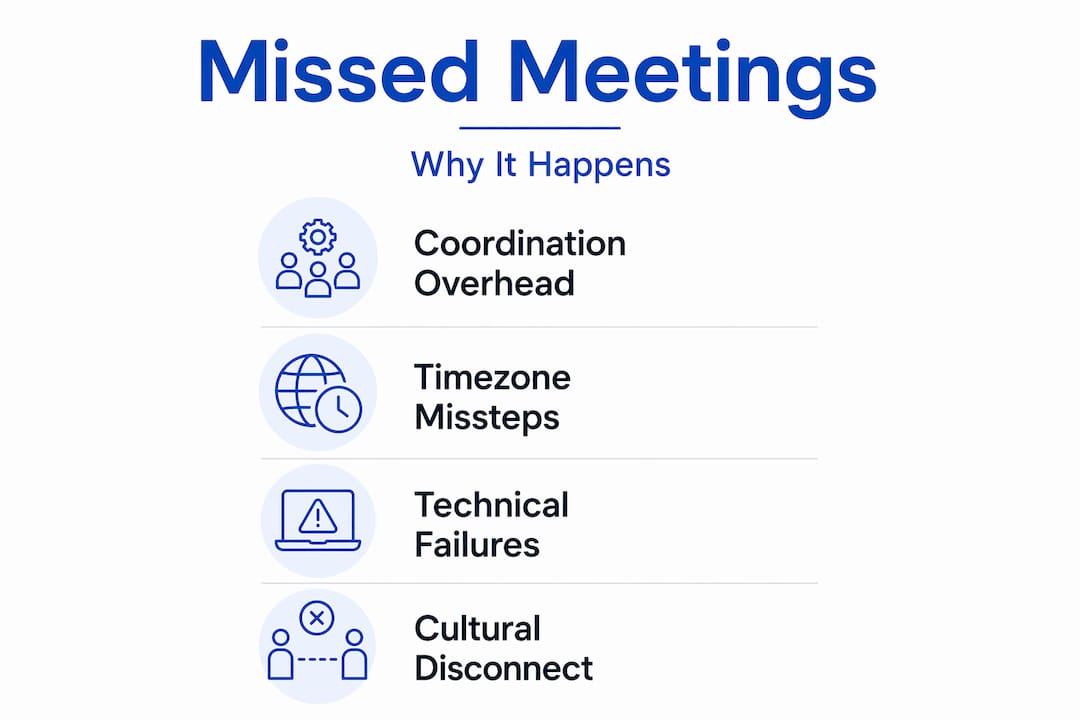
Most remote teams assume missed meetings come down to bad time zone math. Convert the time, send the invite, done. But that assumption is wrong. The real reason why teams miss meetings across timezones is coordination overhead. Every added participant, every extra region, every Slack thread asking "does 3pm work for you?" compounds the problem. The math is the easy part. The negotiation, the calendar misconfigurations, and the cultural fatigue around inconvenient meeting times are what actually break things. This article explains exactly what goes wrong and how to fix it.
Table of Contents
- Key Takeaways
- Why teams miss meetings across timezones
- The real cost to productivity and morale
- Best practices to prevent missed meetings
- Technical pitfalls that silently cause missed meetings
- My take: the real problem is cultural, not technical
- Stop guessing: let Timeatlas do the math
- FAQ
Key Takeaways
| Point | Details |
|---|---|
| Coordination overhead is the real problem | Adding more participants and time zones multiplies scheduling complexity far beyond simple time conversion. |
| Golden hours are limited and fragile | Teams spanning 3+ time zones often have zero overlapping work hours, making synchronous meetings rare by default. |
| Calendar misconfigurations cause silent failures | Corrupted mailbox settings can show wrong meeting times in Teams or Outlook without any visible error. |
| Async-first reduces missed meetings | Defaulting to async communication for routine updates protects synchronous time for decisions that actually need it. |
| Technology alone is not enough | Tools help, but without process and cultural shifts, scheduling problems persist regardless of what software you use. |
Why teams miss meetings across timezones
The most common explanation is simple: someone forgot to convert the time. But coordination overhead, not timezone math, is the core failure mode. Every extra participant and time zone compounds scheduling complexity, turning meeting setup into a multi-hour negotiation rather than a quick calendar entry.
Here is what that actually looks like in practice. A team spanning New York, London, and Singapore has almost no shared working hours during standard business times. Three or more time zones leave teams with little or no overlap during normal working hours, pushing them toward async by default. When that overlap does exist, it is usually one narrow window. Miss it, and you are rescheduling for days.
Several patterns explain why teams consistently fall into this trap:
- No defined "golden hours." Without a shared policy on when synchronous meetings can happen, every meeting becomes a fresh negotiation.
- Manual scheduling workflows. Slack threads and polls compound scheduling delays and can result in participants missing agreed-upon meetings due to extended coordination periods.
- Inconvenient meeting times causing absences. Scheduling repeated meetings in off-hours forces participants to join when tired, which quietly reduces attendance over time.
- Calendar and technical failures. Corrupted mailbox calendar settings, especially time zone and work hours settings, cause inconsistent meeting display times across Microsoft 365 clients.
- No rotating schedule. When the same region always takes the bad time slot, resentment builds and no-shows increase.
"Every extra participant and timezone compounds scheduling complexity, turning meeting setup into a multi-hour negotiation instead of a simple time conversion." — a pattern seen repeatedly across distributed teams
The compounding nature of this problem is what catches managers off guard. Two time zones are manageable. Three gets tricky. Four or more, and you are almost certainly relying on someone to take a meeting outside their normal hours every single week.
The real cost to productivity and morale
Missed meetings are not just an inconvenience. They slow down decisions, create information gaps, and quietly erode trust between team members who never share the same workday.

Scheduling repeated meetings in "dead zones" forces participants to join when tired or disengaged, diminishing both attendance and meeting effectiveness. Over time, this creates a two-tier team: people who are always present and people who are always catching up. That gap compounds fast.
The productivity numbers reinforce this. Consider what happens when a key decision gets delayed by 24 hours because the right people were not in the meeting. In fast-moving teams, that delay cascades. A product decision waits on engineering input. Engineering waits on a design review. The whole sprint slips. One missed meeting is rarely just one missed meeting.
The morale cost is harder to measure but just as real:
- Burnout from "equal sacrifice" scheduling. Rotating bad time slots sounds fair, but it means everyone is occasionally miserable rather than anyone being consistently supported.
- Disengagement from repeated inconvenience. People who join meetings at 6am or 10pm regularly start to disengage, even when they show up.
- Frustration from rescheduling cycles. When a meeting gets moved three times before it happens, the actual discussion suffers because participants are already fatigued by the process.
Async-first communication forces clearer written requirements and reduces waiting for real-time responses, improving productivity despite time gaps. But async is not a cure-all. Complex decisions and relationship-building still need synchronous time. The challenge is protecting that time wisely.
Best practices to prevent missed meetings
Fixing this requires both process changes and the right tools. Here is a practical framework that works for distributed teams in 2026.
- Define your golden hours. Identify the one or two hours per day when all required participants overlap, and protect that window for decisions only. Do not fill it with status updates.
- Default to async for everything routine. Project updates, progress reports, and non-urgent questions belong in written channels. Reserve synchronous time for discussions that genuinely need real-time back-and-forth.
- Use timezone overlap tools before scheduling. Timezone overlap finders help teams identify feasible meeting windows ahead of time and avoid the costly guesswork of manual planning.
- Rotate meeting times with intention. Do not rotate randomly. Rotate based on who is most affected and make the schedule visible to the whole team so no one feels singled out.
- Batch meetings into dedicated windows. Instead of scattering meetings throughout the week, cluster them into two or three focused blocks. This reduces context switching and makes off-hour commitments more predictable.
- Keep meetings short. A 25-minute meeting at 7am is far more tolerable than a 60-minute one. Respect the sacrifice people make to show up outside their normal hours.
- Adopt a hub-and-spoke model for large teams. For teams spanning four or more time zones, run regional syncs within each hub and limit global all-hands meetings to once a week or less.
Pro Tip: Use a meeting planner tool that displays multiple time zones side by side before you send any invite. Seeing the actual local times for every participant takes 30 seconds and eliminates the most common source of missed meetings.
Here is a quick comparison of scheduling approaches:
| Approach | Best for | Main risk |
|---|---|---|
| Manual Slack polling | Small teams, 2 time zones | Delays and confusion at scale |
| Shared booking pages | 1:1 and small group meetings | Does not show team-wide availability |
| Timezone overlap tools | Teams spanning 3+ time zones | Requires everyone to update availability |
| Hub-and-spoke syncs | 4+ time zones, large teams | Can create information silos between hubs |
Technical pitfalls that silently cause missed meetings
Beyond process failures, there is a category of technical problems that most teams never diagnose. These are the silent killers of meeting reliability.
Calendar mismatches can be selective, showing correct meeting times on some clients but wrong times on others due to corrupted mailbox settings. A team member sees 2pm in Outlook but 3pm in Teams. They show up at the wrong time. No one knows why.
Common technical causes include:
- Mailbox calendar corruption. Corrupted time zone or work hours settings in Microsoft 365 cause meeting times to display differently across apps. This requires IT intervention using tools like MFCMAPI or Exchange PowerShell to repair.
- Malformed ICS files. Issues like malformed ICS files and time zone drift in mailbox settings lead to meetings appearing at the wrong times for users. If your team uses custom calendar invites or third-party scheduling tools, this is worth auditing.
- Client time zone detection errors. Some calendar clients detect a user's local time zone incorrectly, especially after daylight saving time changes or when traveling.
- Stale work hours settings. If a team member moved from one region to another and never updated their calendar's time zone, every meeting they create or receive will be off.
Pro Tip: Ask your IT admin to validate calendar configurations for anyone who reports seeing wrong meeting times. Corrupted mailbox settings are more common than most teams realize and are rarely self-resolving.
Strict validation of calendar formats and careful timezone normalization is necessary when using custom ICS generation tools to avoid corrupt events leading to missed meetings. If you build or use any custom scheduling integrations, this is not optional.
My take: the real problem is cultural, not technical
I have spent years watching distributed teams struggle with this, and the pattern is always the same. The team buys a new scheduling tool. They set up timezone converters. They write a meeting policy. And then, six months later, the same people are still missing the same meetings.
What I have learned is that the tools are not the problem. The culture is. Most teams treat scheduling as a logistics problem when it is actually a trust problem. When someone in Singapore takes a 9pm call every week while their New York colleagues work a normal day, that imbalance accumulates. It does not matter how fair the rotation looks on paper.
The "equal sacrifice" model sounds reasonable. Rotate the bad times, share the pain. But in practice, it means everyone is occasionally resentful rather than anyone feeling genuinely supported. What actually works is acknowledging the imbalance openly, compensating for it in other ways (flexible hours, async autonomy, meeting-free days), and being honest about whose time is being asked for most.
I also think teams underestimate how much async-first defaults change the dynamic. When you stop treating every update as a meeting, the meetings you do have become more focused and more attended. People show up because the meeting actually matters, not because it was the default way to share information.
Technology is a multiplier. It makes good processes faster and bad processes more visible. But it cannot replace the conversation about whose time you are asking for and why.
— Janet
Stop guessing: let Timeatlas do the math
Timeatlas was built for exactly this problem. When you are coordinating across regions, the difference between a good meeting time and a missed one often comes down to seeing all the local times at once, clearly and without guesswork.
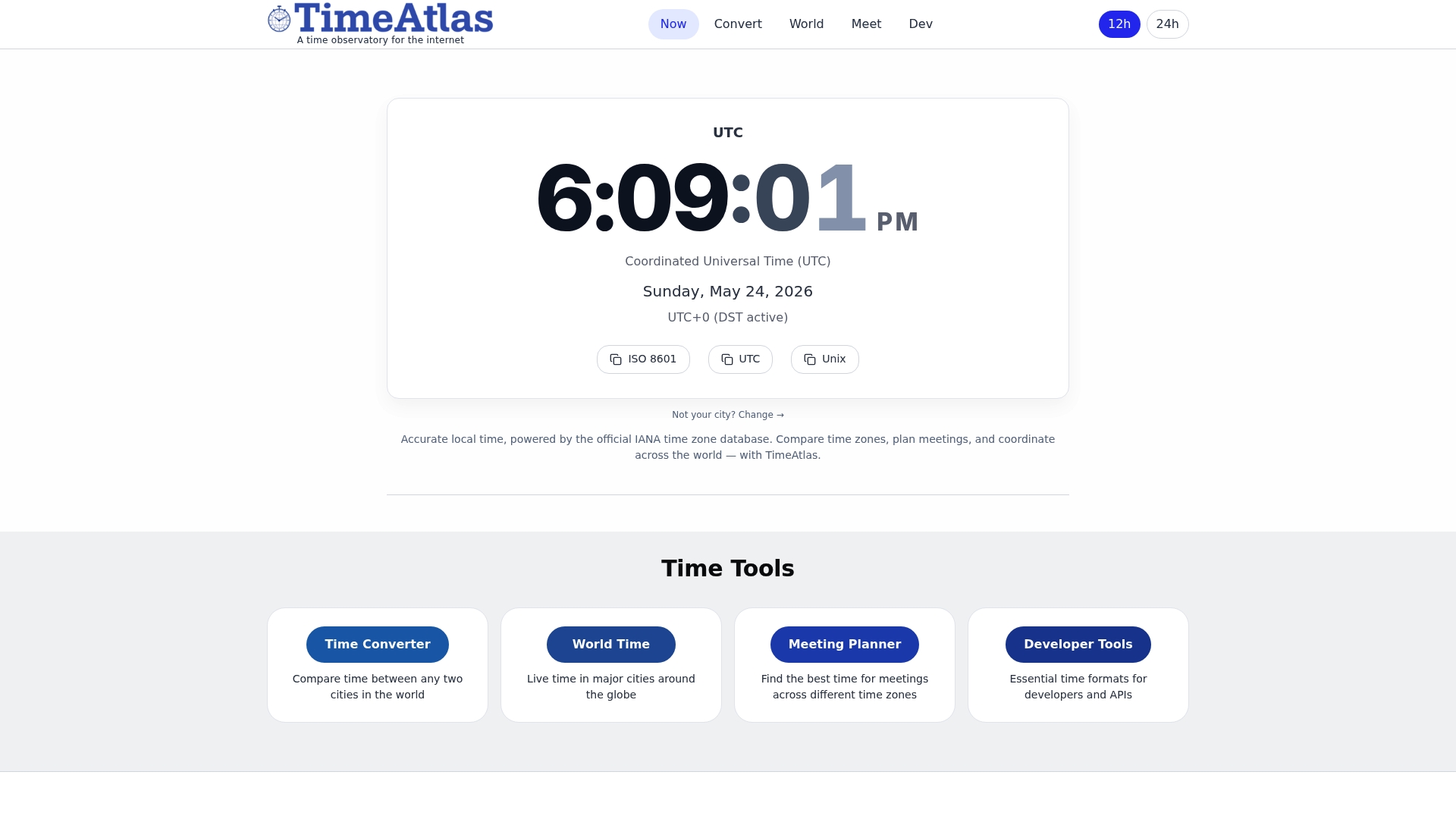
The Timeatlas meeting planner lets you compare multiple time zones side by side so you can find the window that actually works before you send the invite. For teams working across the UK and the US West Coast, the GMT to PST converter and the UTC to PST tool make it fast to confirm exact local times for every participant. All data is sourced from the official IANA time zone database, so you can trust what you see. Less back-and-forth. Fewer missed meetings. More time for the work that matters.
FAQ
Why do remote teams miss meetings across time zones?
The main cause is coordination overhead, not time conversion errors. Every added participant and time zone multiplies scheduling complexity, and manual methods like Slack polls make the problem worse.
What are "golden hours" in remote team scheduling?
Golden hours are the short windows when all team members across different time zones are working at the same time. Teams spanning three or more regions often have less than two hours of overlap per day, making these windows precious.
Can calendar software cause missed meetings?
Yes. Corrupted mailbox calendar settings in tools like Outlook and Teams can display wrong meeting times for specific users, causing them to join at the wrong hour without realizing there is a technical problem.
How does async communication reduce missed meetings?
Defaulting to async for routine updates reduces the number of synchronous meetings needed. Async-first communication forces clearer written documentation and frees up the limited overlap time for decisions that genuinely require real-time discussion.
What is the best tool for scheduling across multiple time zones?
A dedicated timezone overlap tool or meeting planner that displays all participants' local times simultaneously is the most reliable option. It removes the guesswork from global scheduling and prevents the most common time zone communication issues before they happen.